STOCK PORTFOLIO (ONE)
Accounts
Feature > Accounts

On the Accounts page you can manage the accounts you buy stock through.
If you are linking your accounts to your brokerage (do this in Settings page) then you can also hide accounts (like employer IRA) that you don't or cannot buy stocks through.
This will keep the totals correct for your entire portfolio.
Accounts with previous activity that cannot be completely deleted will be moved into the "Hidden" tab.
You can click on holdings to see your current list of assets filtered for that account.
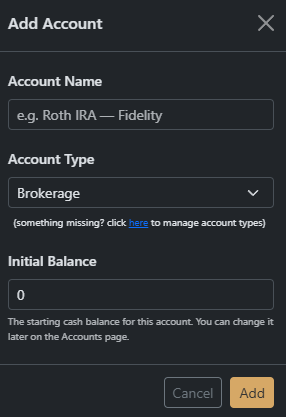
You can also add more accounts to your list (for portfolios that are not linked)