 STOCK PORTFOLIO (ONE)
Getting Support
Feature > Getting Support
Support is readily available by clicking on the Support link in your menu.
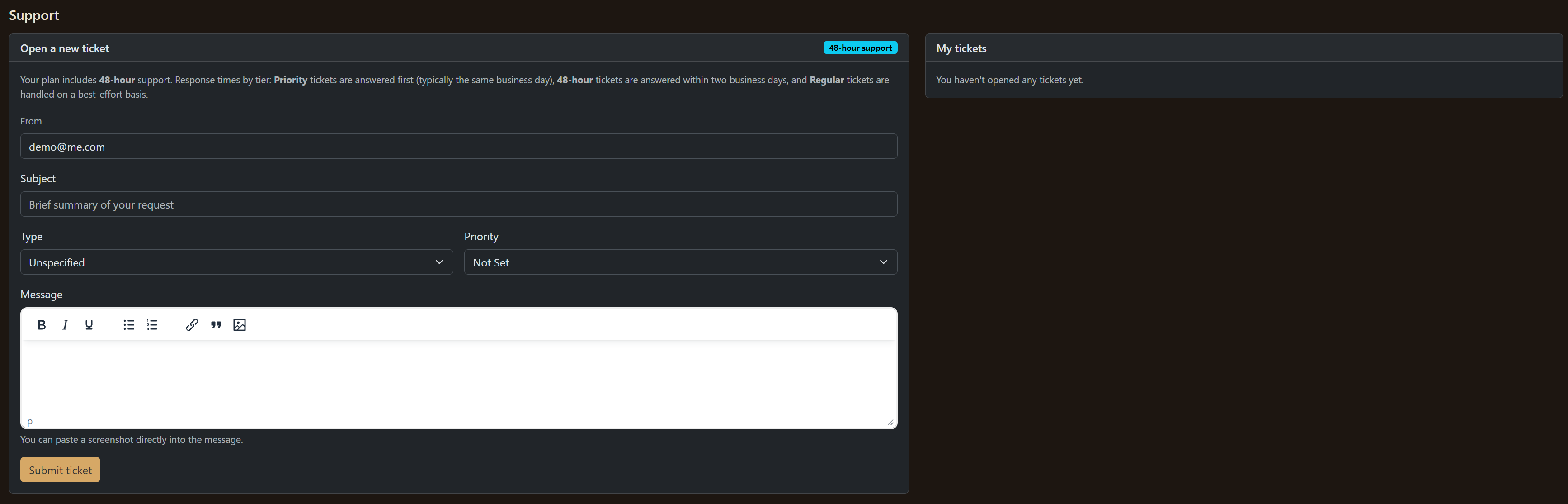
The support page is easy to work with.
Type a brief summary of your request and select what you (1) consider to be the type of problem and (2) what priority you have for it.
Your response time is based on your plan. When there are a low volume of support requests, we can usually respond to them more quickly.
Inside the WYSIWYG editor you can upload a screenshot of your issue if you need to and link to the page you are having an issue with.
Previous Tickets
On the right-hand side you will see a list of your previous tickets. Some of them may be deleted (either due to age or relevance) -- this will be either at your discretion or ours.
You can always re-open a new ticket whenever you need to.