 STOCK PORTFOLIO (ONE)
Getting Started
Feature > Getting Started
Manual addition of Account Types
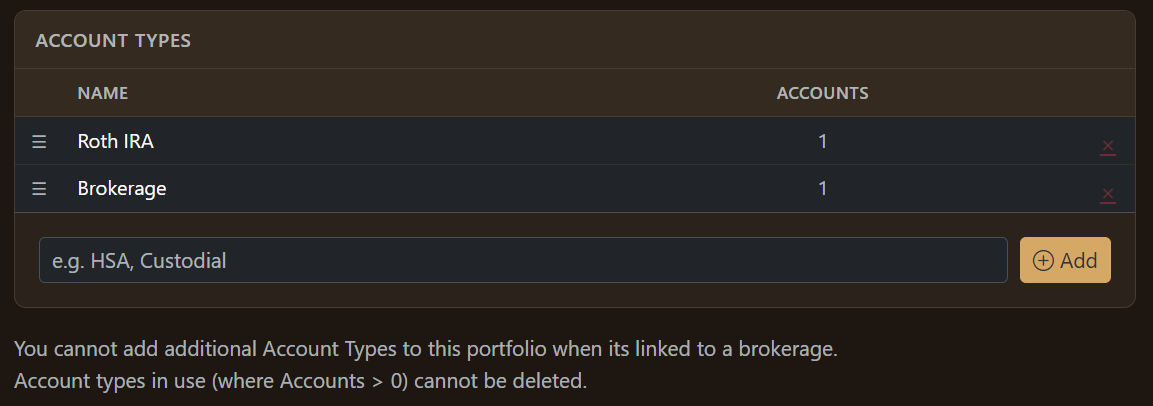
If you are linking your brokerage account then you won't need to create these manually.
Account Types are important for classifying your activity and also to make recommendations and observations.
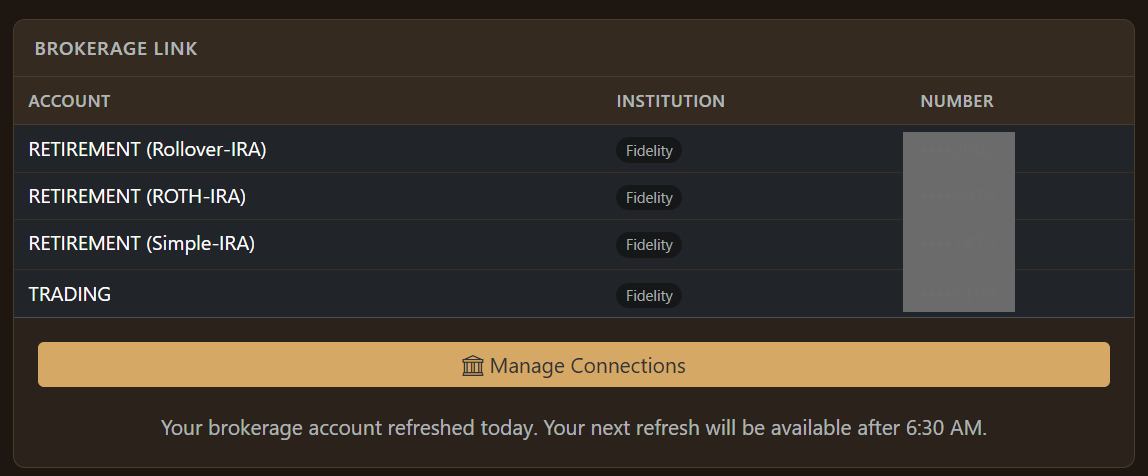
Manage Connections
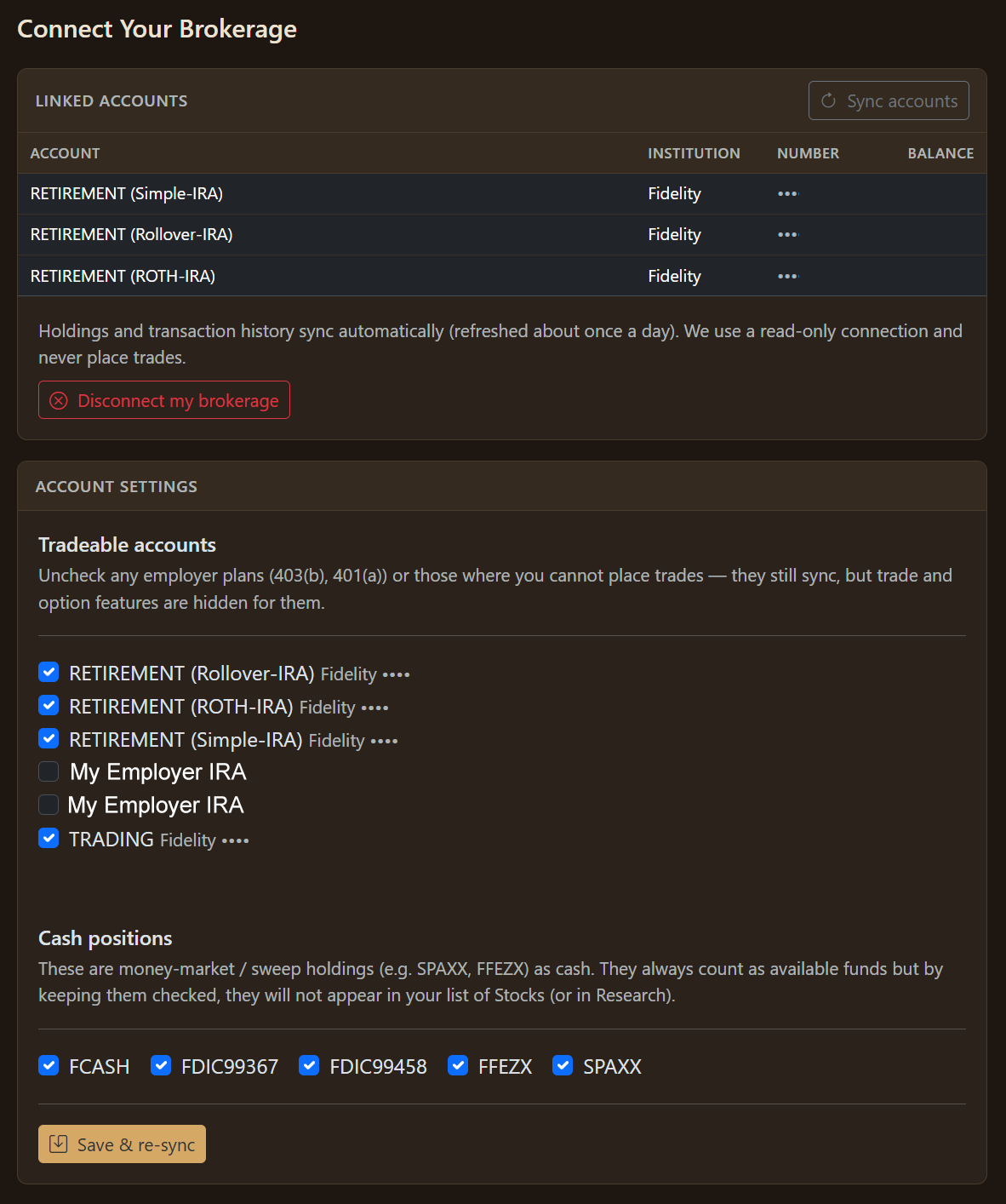
When you link up your brokerage, there are often Cash Positions that are not "tradeable" accounts ... if you select these, then they will not show up littering your portfolio.
Manual vs Linking
How you choose to set up your profile is up to you. You can link your brokerage accounts or handle everything manually for ultimate control.
You can always create another Profile by clicking on the one in the Top Left-Hand corner.
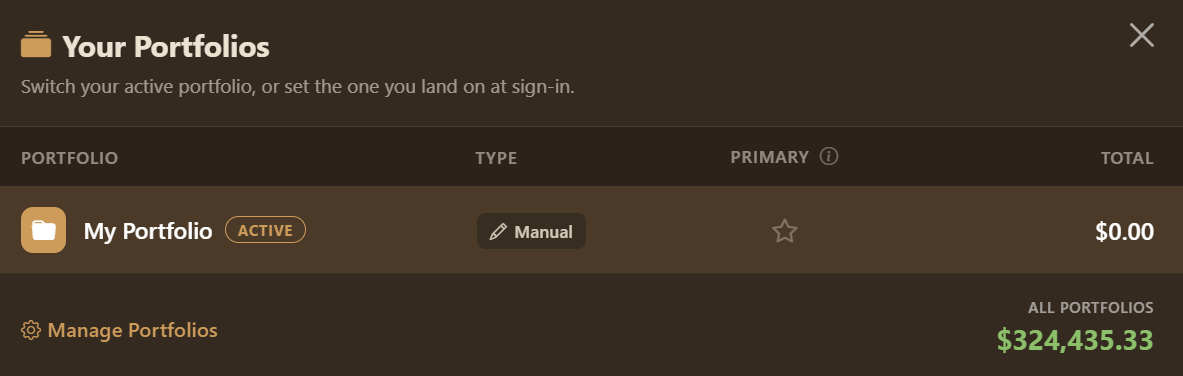
This is a modal menu. Clicking on "Manage Portfolios" takes you to your Settings page. This quick summary tells you whether the portfolio is manual or linked, you set whether the portfolio is your primary one and see the total across all portfolios.