 STOCK PORTFOLIO (ONE)
Simulator
Feature > Simulator
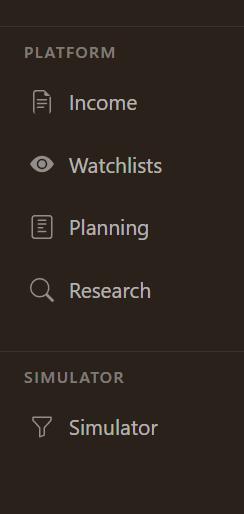
When you have added a Simulator account,
it will show up in the main menu on the
left-hand side of your screen.
You can do this by going to the Accounts page.
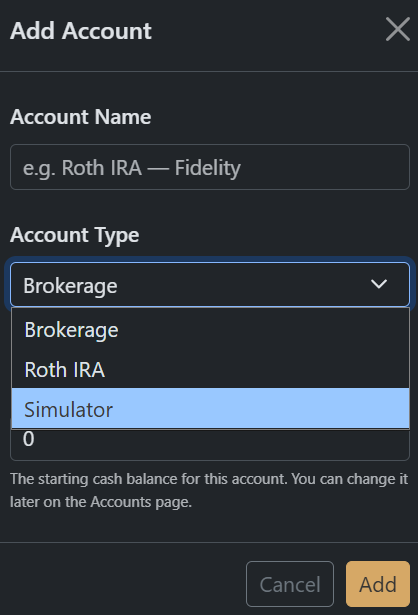
When you click on [Add Account] you will see "Simulator" as an available Account Type.
This is a platform account and is isolated from all of your other information.
On the Account Page you will then see this when purchase assets.

And when you look at the Stocks Page you will see all of the assets you purchased (these are all separated from your actual accounts).

You can also see your Simulator History in a separate tab on the History page.
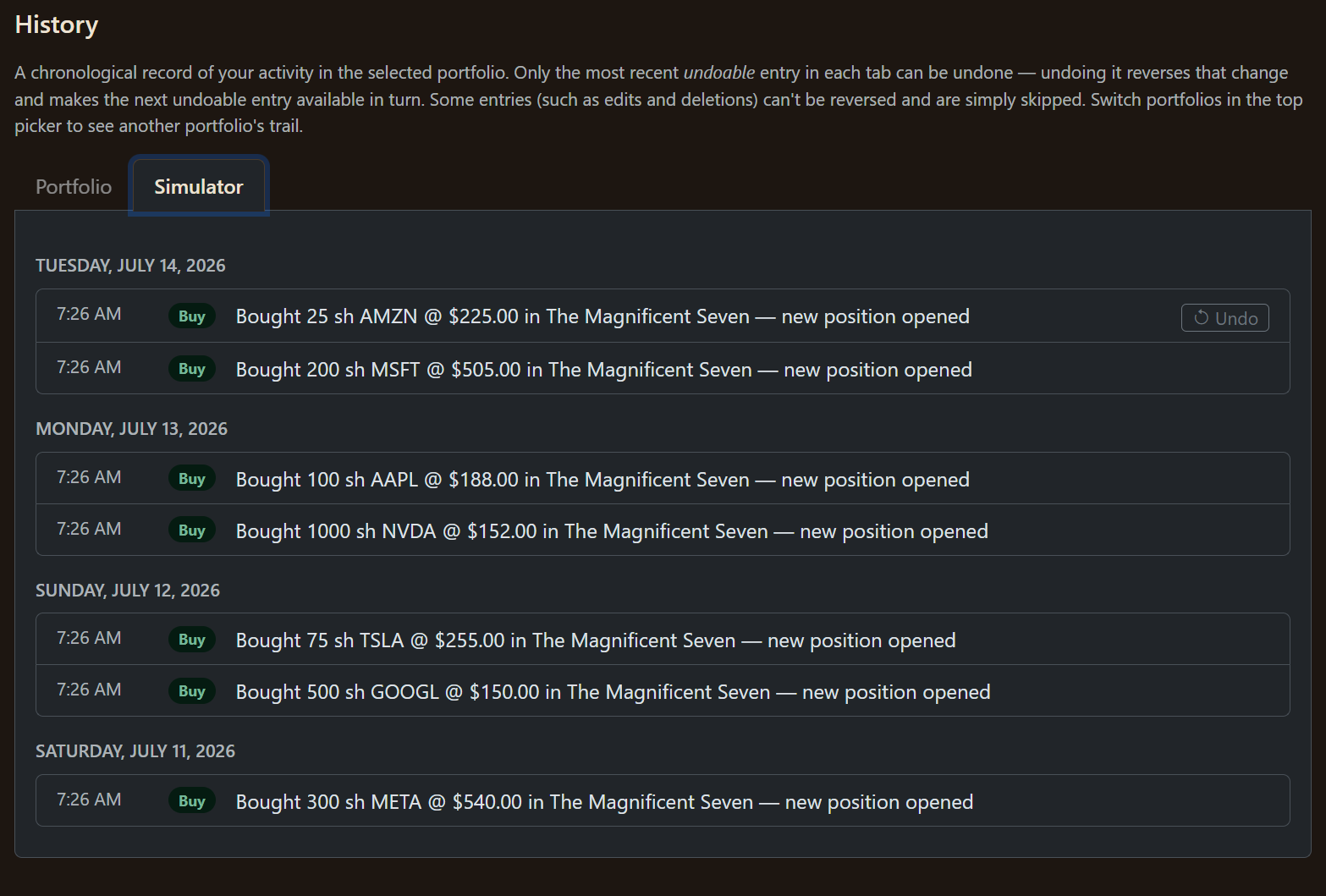
Last In First Out (LIFO) also applies to the simulator (you are only allowed to remove the last one first).